Filtering and Grouping
Overview
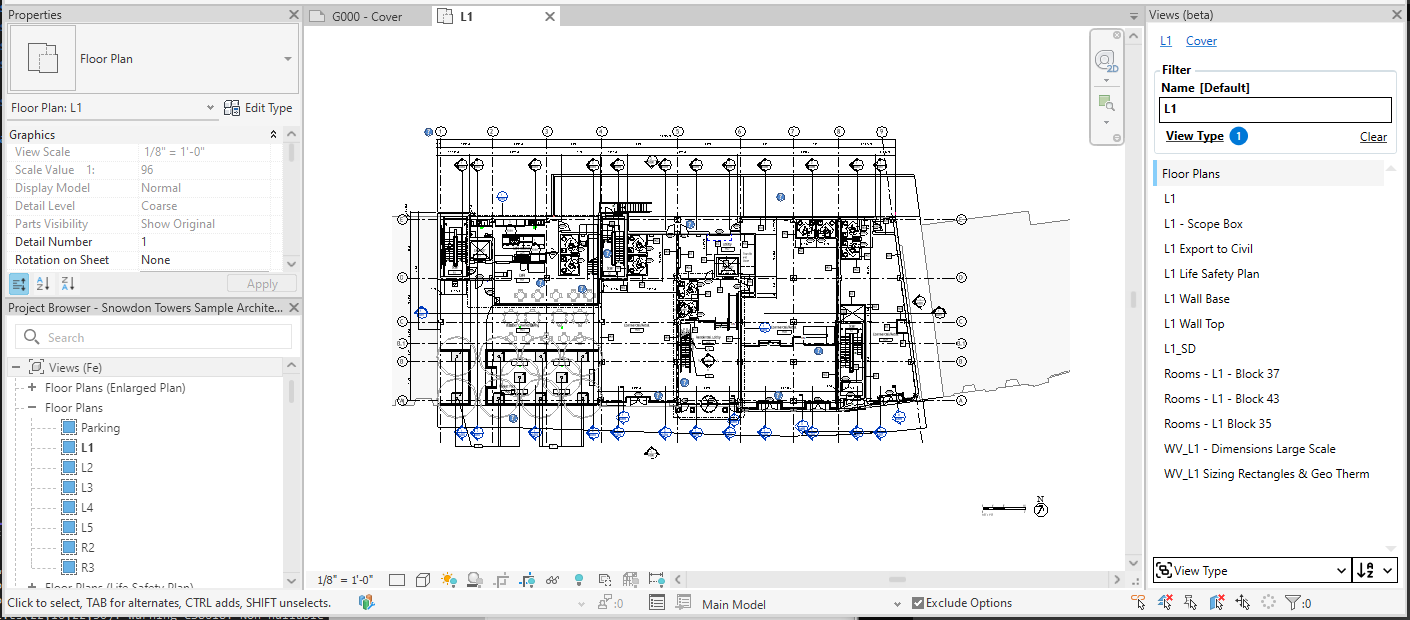
View filtering and grouping are the core features of View Browser. They allow you to quickly find the view you want without having to scroll or expand the tree in the native Project Browser.
Filtering
By View Name
You can start typing in the Search textbox to filter views containing the text you enter. Once found, double-click the name to activate the view.
By View Type
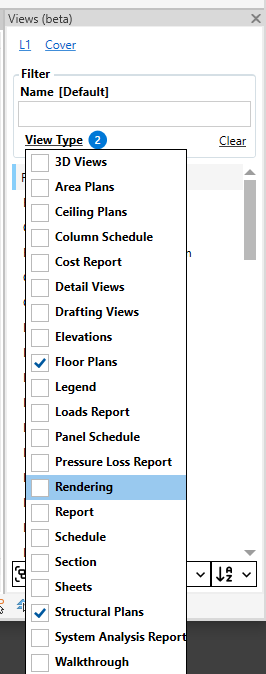
By clicking the ‘View Type’ option, you can select which view types should be listed. If you need to list all views, don’t select anything!.
Grouping
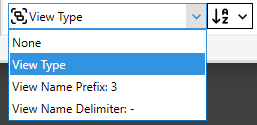
By View Type
Will group views by their View Type.
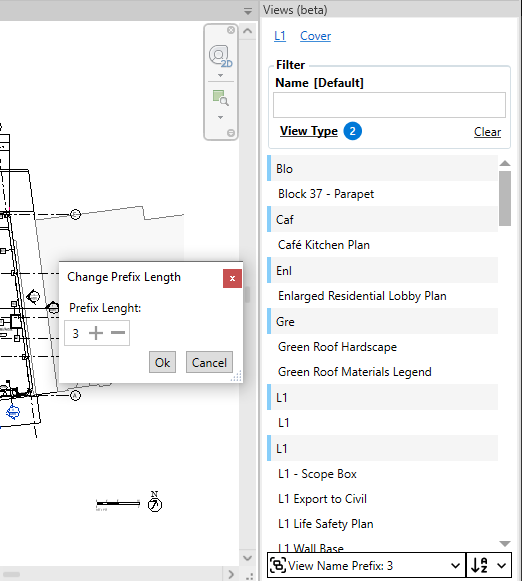
By Prefix Length
Will group views by the first characters in their name. You can control the length of the prefix by clicking on the option once you’ve selected it. This option is useful when you have a standardized naming convention with fixed length prefixes.
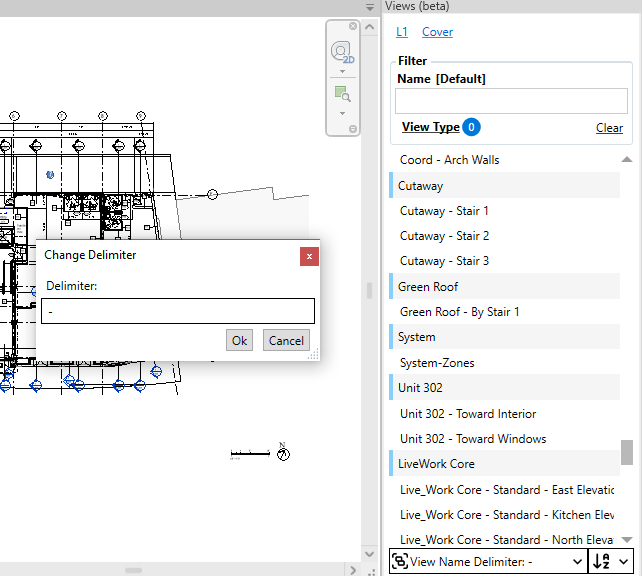
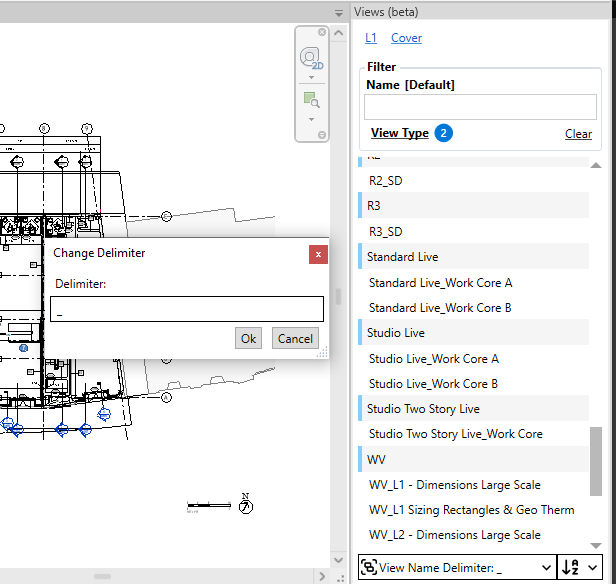
By Delimiter
You might prefix your views with a variable length prefix but with a separator character. You can use the ‘View Name Delimiter’ option to set that character and have your views grouped by the correct prefix!